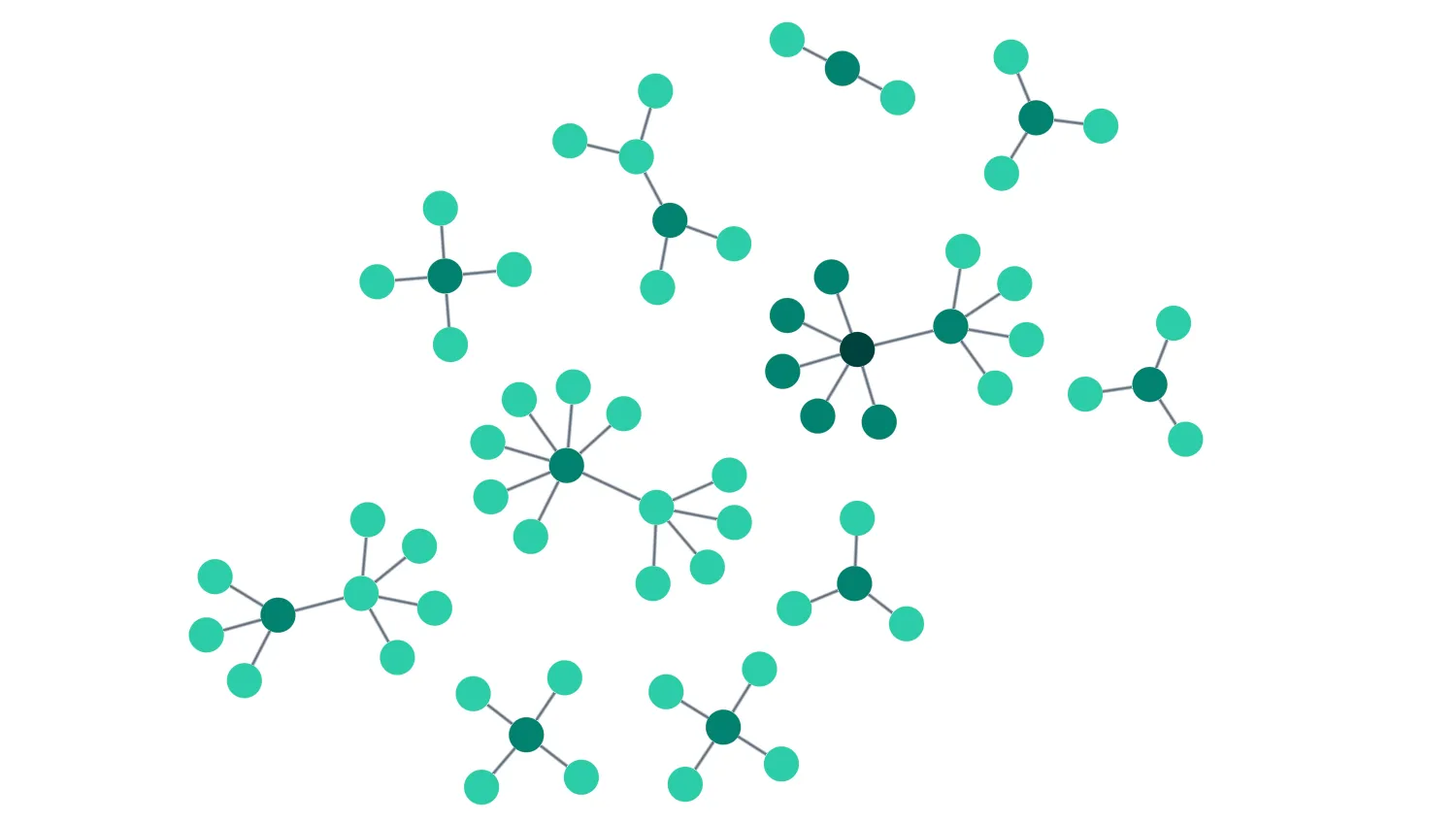
Double click on nodes or the background to add more data, or use the buttons above the chart.
The layout you choose determines how items in your network are positioned.
When new data is added to an existing chart, it is laid out to fit in with the rest of the network.
See also
import React, { useState, useMemo } from "react";
import { createRoot } from "react-dom/client";

import random from "lodash/random";
import { Chart } from "regraph";

import data from "./data";
import { style } from "@ci/theme/rg/js/storyStyles";

const layouts = ["organic", "sequential", "radial"];

export const Demo = () => <Incremental itemData={data()} />;

function Incremental(props) {
  const { itemData } = props;
  const [layout, setLayout] = useState({ name: "organic", level: "level" });
  const [items, setItems] = useState(itemData);

  const nodeIds = useMemo(
    () =>
      Object.keys(items)
        .filter((id) => !id.includes("-"))
        .map((id) => parseInt(id)),
    [items],
  );

  const nextId = useMemo(() => Math.max(...nodeIds) + 1, [nodeIds]);

  const onRunLayout = (name) => {
    setLayout((current) => {
      return { ...current, name };
    });
  };

  const createNewItems = (id, level) => {
    const newItems = {};
    const newNodeCount = random(3, 5);
    for (let i = 1; i <= newNodeCount; i++) {
      const nodeId = Math.max(id, nextId) + i;
      const linkId = `${id}-${nodeId}`;
      newItems[nodeId] = {
        ...style.primary1,
        data: { level: level + 1 },
      };
      newItems[linkId] = {
        ...style.link,
        id1: id,
        id2: nodeId,
      };
    }
    return newItems;
  };

  const onAddComponent = () => {
    setItems((current) => {
      const itemsToAdd = createNewItems(nextId, 1);

      return {
        ...current,
        ...itemsToAdd,
        [nextId]: {
          ...style.primary2,
          data: { level: 1 },
        },
      };
    });
  };

  const addNodesFrom = (id) => {
    setItems((current) => {
      // Add new items to the data
      const itemsToAdd = createNewItems(id, current[id].data.level);
      return { ...current, ...itemsToAdd };
    });
  };

  const onAddNodesFromRandom = () => {
    // Select a node id at random from the data
    const id = nodeIds[random(0, nodeIds.length - 1)];
    // Load new data connected to the random item
    addNodesFrom(id);
  };

  const onAddData = ({ id, itemType }) => {
    if (id) {
      if (itemType === "node") {
        // if it is a node we will expand from it
        addNodesFrom(id);
      }
    } else {
      onAddComponent();
    }
  };

  return (
    <div className="story">
      <Controls
        layout={layout}
        runLayout={onRunLayout}
        addNodesFromRandom={onAddNodesFromRandom}
        addComponent={onAddComponent}
      />
      <div className="chart-wrapper">
        <Chart
          items={items}
          layout={layout}
          onDoubleClick={onAddData}
          animation={{ animate: true, time: 850 }}
        />
      </div>
    </div>
  );
}

function Controls(props) {
  const { layout, runLayout, addNodesFromRandom, addComponent } = props;
  return (
    <div className="options">
      <button
        type="button"
        title="Add nodes to the chart from a random node. Double click a node to add data from it."
        onClick={addNodesFromRandom}
      >
        Add Nodes
      </button>
      <button
        type="button"
        title="Add a component to the chart. Double click the background to add a new
          component."
        onClick={addComponent}
      >
        Add Component
      </button>
      <span className="separator" />
      <span className="label">Layout</span>
      {layouts.map((name) => (
        <button
          type="button"
          className={layout.name === name ? "active" : ""}
          key={name}
          onClick={() => runLayout(name)}
          style={{ textTransform: "capitalize" }}
        >
          {name}
        </button>
      ))}
    </div>
  );
}

const root = createRoot(document.getElementById("regraph"));
root.render(<Demo />);import { style } from "@ci/theme/rg/js/storyStyles";
function data() {
return {
// Level 1: Central root node
1: {
...style.primary3,
data: { level: 1 },
},
// Level 2: Branch nodes
2: {
...style.primary2,
data: { level: 2 },
},
3: {
...style.primary2,
data: { level: 2 },
},
4: {
...style.primary2,
data: { level: 2 },
},
// Level 3: Leaf nodes for branch 2
5: {
...style.primary1,
data: { level: 3 },
},
6: {
...style.primary1,
data: { level: 3 },
},
7: {
...style.primary1,
data: { level: 3 },
},
8: {
...style.primary1,
data: { level: 3 },
},
9: {
...style.primary1,
data: { level: 3 },
},
// Level 3: Leaf nodes for branch 3
10: {
...style.primary1,
data: { level: 3 },
},
11: {
...style.primary1,
data: { level: 3 },
},
12: {
...style.primary1,
data: { level: 3 },
},
13: {
...style.primary1,
data: { level: 3 },
},
// Level 3: Leaf nodes for branch 4
14: {
...style.primary1,
data: { level: 3 },
},
15: {
...style.primary1,
data: { level: 3 },
},
16: {
...style.primary1,
data: { level: 3 },
},
17: {
...style.primary1,
data: { level: 3 },
},
// Level 4: Leaf nodes for branch 4, node 16
18: {
...style.primary1,
data: { level: 4 },
},
19: {
...style.primary1,
data: { level: 4 },
},
// Links from root to branches
"1-2": {
id1: "1",
id2: "2",
...style.link,
},
"1-3": {
id1: "1",
id2: "3",
...style.link,
},
"1-4": {
id1: "1",
id2: "4",
...style.link,
},
// Links from branch 2 to leaves
"2-5": {
id1: "2",
id2: "5",
...style.link,
},
"2-6": {
id1: "2",
id2: "6",
...style.link,
},
"2-7": {
id1: "2",
id2: "7",
...style.link,
},
"2-8": {
id1: "2",
id2: "8",
...style.link,
},
"2-9": {
id1: "2",
id2: "9",
...style.link,
},
// Links from branch 3 to leaves
"3-10": {
id1: "3",
id2: "10",
...style.link,
},
"3-11": {
id1: "3",
id2: "11",
...style.link,
},
"3-12": {
id1: "3",
id2: "12",
...style.link,
},
"3-13": {
id1: "3",
id2: "13",
...style.link,
},
// Links from branch 4 to leaves
"4-14": {
id1: "4",
id2: "14",
...style.link,
},
"4-15": {
id1: "4",
id2: "15",
...style.link,
},
"4-16": {
id1: "4",
id2: "16",
...style.link,
},
"4-17": {
id1: "4",
id2: "17",
...style.link,
},
// Links from branch 4, node 16 to leaves
"16-18": {
id1: "16",
id2: "18",
...style.link,
},
"16-19": {
id1: "16",
id2: "19",
...style.link,
},
};
}
export default data;<!doctype html>
<html>
<head>
<link rel="stylesheet" href="@ci/theme/rg/css/button.css">
<link rel="stylesheet" href="@ci/theme/rg/css/layout.css">
</head>
<body>
<div id="regraph" style="height: 100vh"></div>
<script type="module" src="./code.jsx"></script>
</body>
</html>